
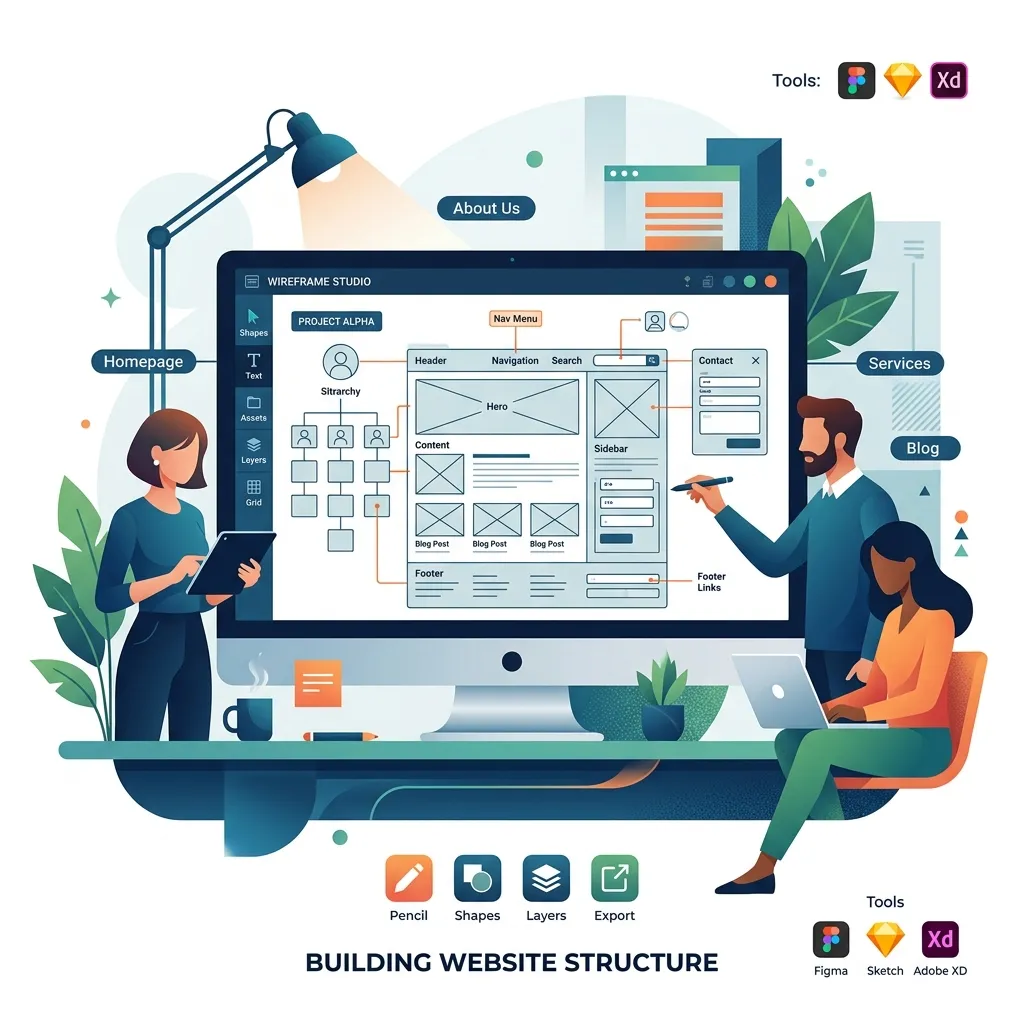
Pre-built WordPress themes are convenient, but they come with significant trade-offs — bloated code, limited customization, and generic designs that fail to differentiate your brand. Building a custom theme from scratch gives you complete control over performance, design, and functionality. With AI tools accelerating the development process, custom theme development in 2026 is faster and more accessible than ever.
Why Custom Themes Beat Pre-Built in 2026
Pre-built themes include code for every possible feature — sliders, galleries, mega menus, WooCommerce integration, multiple layout options — whether you use them or not. This unnecessary code bloats page size, increases load times, creates security vulnerabilities, and makes customization difficult.
A custom theme includes only the code your site actually needs. The result is dramatically faster page loads (often 2-3x faster than pre-built themes), a smaller attack surface for security threats, complete design flexibility, and a codebase that is easy to maintain and extend.
With AI coding assistants, the development time gap between pre-built and custom themes has narrowed significantly. Tasks that previously took days — creating responsive layouts, building navigation systems, implementing archive templates — can now be completed in hours with AI assistance.
Development Environment Setup
A professional WordPress theme development environment includes a local server, version control, and a modern code editor with AI capabilities. Here is the recommended setup for 2026:
Local Server: Use Local by Flywheel or DDEV for WordPress-specific local development. Both provide one-click WordPress installation with PHP version management, MySQL databases, and SSL certificates.
Code Editor: Cursor or VS Code with GitHub Copilot for AI-assisted development. Configure WordPress coding standards with PHP CodeSniffer to maintain code quality automatically.
Build Tools: Use Vite for CSS and JavaScript compilation. Vite provides instant hot-module replacement during development and optimized builds for production, integrating seamlessly with Tailwind CSS.
Version Control: Git with GitHub or GitLab for code versioning and collaboration. Commit frequently with descriptive messages to maintain a clear development history.
Theme File Structure and Hierarchy
WordPress's template hierarchy determines which PHP file renders each type of page. Understanding this hierarchy is essential for building themes that work correctly. Here is the recommended file structure for a modern custom theme:
my-theme/
├── assets/
│   ├── css/
│   │   └── app.css          # Main stylesheet (Tailwind)
│   ├── js/
│   │   └── app.js           # Main JavaScript file
│   └── images/              # Theme images
├── template-parts/
│   ├── content.php           # Default post content
│   ├── content-page.php      # Page content
│   └── content-none.php      # No results content
├── inc/
│   ├── theme-setup.php       # Theme supports & menus
│   ├── enqueue.php           # Script & style enqueuing
│   ├── custom-post-types.php # CPT registrations
│   └── acf-fields.php        # ACF field groups
├── style.css                 # Theme metadata (required)
├── functions.php             # Main functions file
├── index.php                 # Fallback template
├── header.php                # Site header
├── footer.php                # Site footer
├── front-page.php            # Homepage template
├── page.php                  # Default page template
├── single.php                # Single post template
├── archive.php               # Archive template
├── search.php                # Search results
├── 404.php                   # Error page
├── sidebar.php               # Sidebar widget area
└── screenshot.png            # Theme preview (1200x900)
Using AI to Scaffold Template Files
AI coding assistants excel at generating WordPress template files from descriptions. Describe the page layout, content areas, and dynamic elements you need, and the AI generates complete PHP template files with proper WordPress functions, template tags, and conditional logic.
For example, ask your AI assistant: "Create a WordPress front-page.php template with a hero section using ACF fields for heading, subheading, and CTA button, followed by a services grid showing 4 services from a repeater field, a portfolio section showing the 3 latest projects custom post type, and a contact CTA section." The AI generates production-ready code that requires minimal adjustment.
The key is providing specific, detailed descriptions. Include layout specifications (grid columns, spacing), dynamic content sources (ACF fields, WP_Query parameters), and interaction requirements (hover effects, animations). More detail in your prompt produces more accurate and complete output.
Styling with Tailwind CSS
Tailwind CSS has become the preferred styling approach for custom WordPress themes. Its utility-first methodology produces lean, maintainable stylesheets that avoid the CSS specificity conflicts common with traditional approaches. Combined with Vite for build optimization, Tailwind produces extremely small production CSS files containing only the utilities actually used in your templates.
Configure Tailwind to scan your PHP template files for utility classes. This ensures the production build includes only the styles your theme actually uses, typically resulting in CSS files under 10KB — a fraction of the size of typical pre-built theme stylesheets.
Dynamic Content with ACF Pro
Advanced Custom Fields Pro transforms WordPress from a blogging platform into a full-featured CMS. For custom themes, ACF provides the bridge between developer-created templates and client-managed content. Every section of every page can be made editable through custom field groups.
Design your ACF field groups to match your template structure. If your homepage has a hero section, services grid, and testimonials slider, create corresponding field groups with intuitive labels and clear instructions. Clients should be able to update any content on their site without developer assistance.
Use ACF's Flexible Content field for pages that need varied layouts. This allows clients to build pages from predefined content blocks — hero sections, feature grids, testimonial carousels, CTA banners — in any combination and order. The developer creates the block templates; the client assembles them freely.
Performance Optimization and Testing
Custom themes have an inherent performance advantage, but optimization is still essential. Implement these performance best practices:
- Enqueue scripts with
deferorasyncattributes to prevent render-blocking. - Implement native lazy loading for images with the
loading="lazy"attribute. - Minimize database queries by using transients for expensive operations.
- Preload critical resources (fonts, hero images) using
<link rel="preload">. - Generate critical CSS inline and defer non-critical stylesheets.
Test with Google Lighthouse, aiming for 90+ scores across Performance, Accessibility, Best Practices, and SEO. Address any issues identified during testing before deployment.
Deploying to Production
Deploy your custom theme using a reliable deployment workflow. Run the Tailwind/Vite production build to generate optimized assets. Upload the compiled theme to your production server via SFTP or Git-based deployment. Activate the theme, verify all pages render correctly, and run a final Lighthouse audit.
For ongoing development, maintain a staging environment that mirrors production. Deploy changes to staging first, test thoroughly, and promote to production only after verification. This workflow prevents broken deployments and ensures your clients always see a functioning site.
"A custom WordPress theme is an investment in your digital brand. It performs better, looks better, and grows with your business in ways that pre-built themes simply cannot match."
Conclusion
Building a custom WordPress theme from scratch in 2026 delivers superior results in performance, design flexibility, and long-term maintainability. With AI tools accelerating the development process, the time and cost barriers to custom theme development have never been lower. Whether you are building for your own business or for clients, custom themes represent the professional standard for WordPress development.