
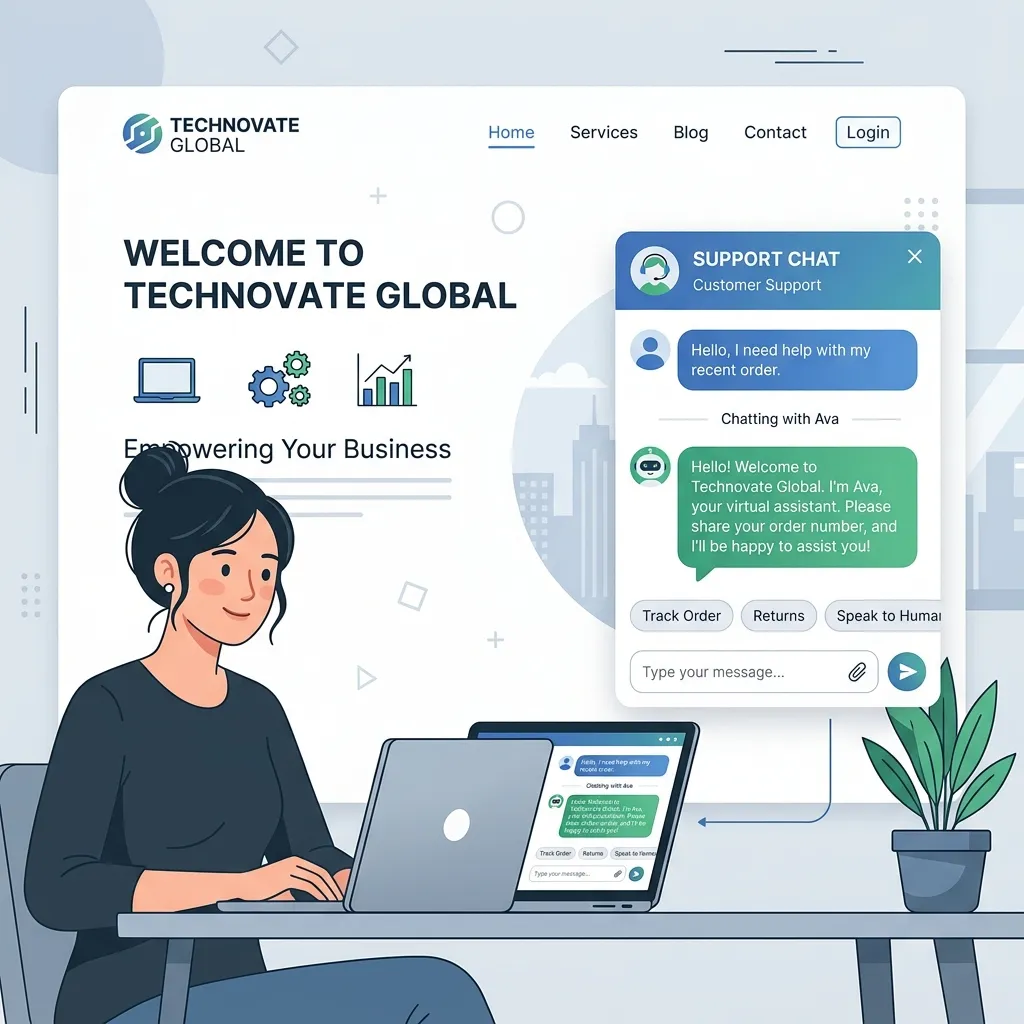
An AI chatbot on your WordPress site can handle customer inquiries 24/7, qualify leads, provide instant product recommendations, and reduce support costs dramatically. In 2026, setting up an intelligent chatbot is easier than ever, with several excellent plugins offering quick deployment and powerful customization options.
Why Every WordPress Site Needs an AI Chatbot in 2026
Visitor expectations have shifted dramatically. In 2026, users expect instant answers to their questions, not contact forms that promise a response within 24-48 hours. AI chatbots meet this expectation by providing immediate, accurate responses drawn from your site's specific content.
The business impact is measurable. Websites with AI chatbots report 30-40% increases in lead capture, 50% reductions in support ticket volume, and improved customer satisfaction scores. For service businesses and e-commerce stores, a well-configured chatbot pays for itself within the first month through increased conversions and reduced support overhead.
Modern AI chatbots are far more sophisticated than the scripted chatbots of previous years. They understand context, handle multi-turn conversations, recognize intent, and provide genuinely helpful responses. When they encounter questions beyond their training, they escalate gracefully to human support channels.
Top 3 AI Chatbot Plugins Compared
AI Engine by Meow Apps
AI Engine offers the most flexible chatbot implementation for WordPress. It supports multiple AI models (GPT-4o, Claude, Gemini), allows custom training on your site content, and provides extensive customization of chatbot appearance and behavior. The bring-your-own-API-key model keeps costs predictable and transparent.
MxChat
MxChat specializes in customer support chatbots with deep WooCommerce integration. It can handle order status inquiries, product questions, shipping information, and return procedures automatically. The plugin includes a visual conversation builder for creating guided flows alongside AI-powered free-form conversations.
Tidio AI
Tidio combines AI chatbot capabilities with live chat and helpdesk features. Its AI assistant, Lyro, handles routine customer inquiries while seamlessly transferring complex issues to human agents. The platform includes pre-built conversation templates for common scenarios like lead qualification, appointment booking, and product recommendations.
Tutorial: Setting Up AI Engine Chatbot
Let me walk you through setting up a fully functional AI chatbot using AI Engine — the most versatile option for most WordPress sites.
Step 1: Install and Activate. Search for "AI Engine" in the WordPress plugin repository and install it. After activation, navigate to Meow Apps → AI Engine in your WordPress admin.
Step 2: Configure Your API Key. Enter your OpenAI API key in the settings panel. You can obtain an API key from platform.openai.com. Start with the GPT-4o-mini model for cost-effective operation, upgrading to GPT-4o for more complex conversational needs.
Step 3: Create Your Chatbot. Navigate to the Chatbots section and create a new chatbot. Configure the system prompt — this instruction tells the AI how to behave. A well-crafted system prompt is the single most important factor in chatbot quality.
System Prompt Example:
You are a helpful assistant for [Business Name], a web development agency.
You help visitors understand our services, provide project estimates,
and guide them to book a consultation. Be professional, friendly, and concise.
If asked about pricing, provide general ranges and suggest a free consultation
for accurate quotes. If you cannot answer a question, suggest the visitor
contact us via WhatsApp at [number].
Step 4: Train on Your Content. AI Engine can ingest your WordPress pages, posts, and custom content to provide accurate, site-specific answers. Navigate to the Embeddings section and index your key pages — services, about, FAQ, pricing, and product information.
Step 5: Customize Appearance. Style your chatbot to match your site's design. Configure the chat window colors, button position, welcome message, and conversation starters. The chatbot should feel like a native part of your website, not an external widget.
Step 6: Deploy and Test. Enable the chatbot on your site and test it thoroughly. Ask questions your visitors commonly ask, verify the accuracy of responses, and refine the system prompt based on any issues you discover.
Training the Bot on Your Site's Content
The quality of your chatbot's responses depends directly on the quality of its training data. Feed it comprehensive, accurate information about your business, services, products, and policies. The more relevant content the chatbot has access to, the more helpful and accurate its responses will be.
Organize your training content by topic — services, pricing, process, FAQs, case studies, and policies. Update the training data whenever your offerings change to keep the chatbot current. Regular training updates prevent the chatbot from providing outdated information that frustrates visitors.
Measuring Chatbot ROI
Track these metrics to evaluate your chatbot's business impact:
- Conversation Volume: How many visitors engage with the chatbot daily.
- Resolution Rate: What percentage of inquiries the chatbot handles without human escalation.
- Lead Capture: How many chatbot conversations result in contact information collection.
- Conversion Attribution: Track visitors who interact with the chatbot and subsequently convert.
- Support Cost Reduction: Calculate the support hours saved by chatbot automation.
Advanced: Custom ChatGPT Integration via API
For developers who need complete control over chatbot behavior, building a custom ChatGPT integration provides maximum flexibility. This approach involves creating a custom WordPress plugin that communicates directly with the OpenAI API, handling conversation management, context windowing, and response streaming natively.
Custom integrations are ideal for enterprise sites with specific security requirements, complex multi-step workflows, or integration needs that existing plugins cannot accommodate. The development investment is higher, but the result is a chatbot that exactly matches your technical and business requirements.
"A well-configured AI chatbot is like having your best salesperson available 24/7 — never tired, always patient, and consistently knowledgeable about your offerings."
Conclusion
AI chatbots have become essential for competitive WordPress sites in 2026. Whether you choose a plugin solution like AI Engine for quick deployment or invest in a custom integration for maximum control, adding an AI chatbot to your WordPress site delivers measurable improvements in lead capture, customer satisfaction, and support efficiency.